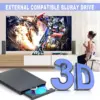

aelrsoch USB-C Blu-ray Reader – external Blu-ray drive that reads BD and burns DVD and CD
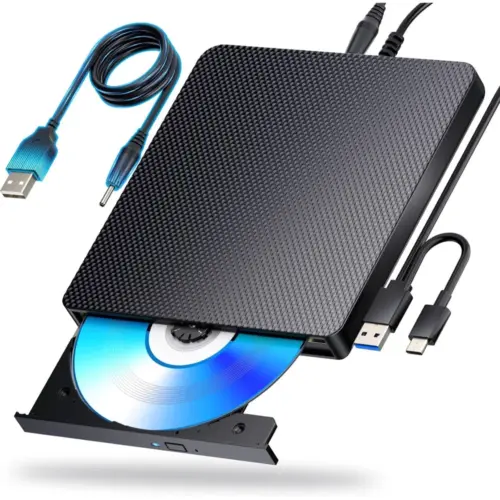
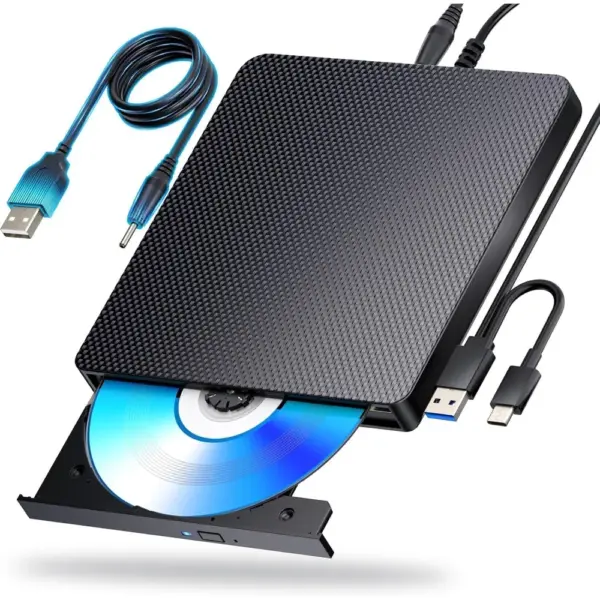
An external Blu-ray reader that brings Blu-ray, DVD and CD discs back to laptops and PCs without a built-in drive. It reads Blu-ray discs and also reads and writes DVDs and CDs through a combined USB 3.0 and USB-C lead.
What the USB-C Blu-ray Reader brings to your computer
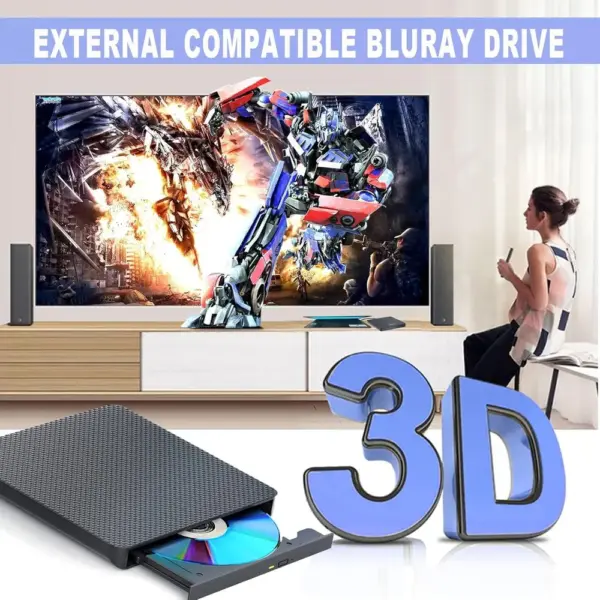
It reads Blu-ray discs, so you can enjoy your film collection on a laptop with suitable playback software.
It also reads and writes DVDs and CDs, handy for copying files, music or photos onto a disc.
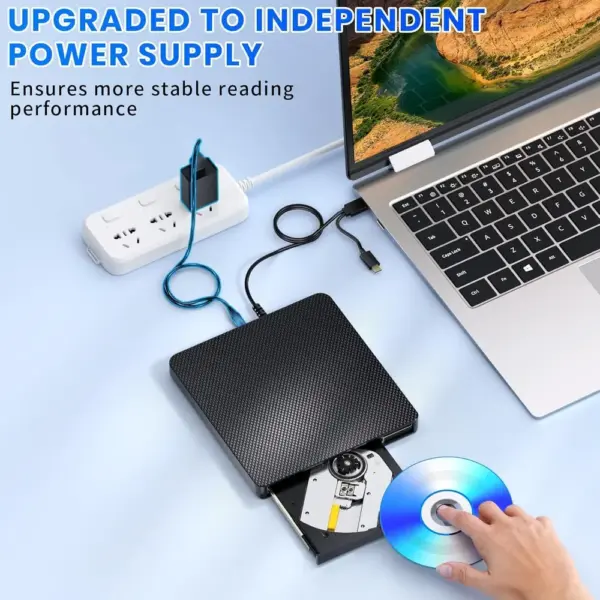
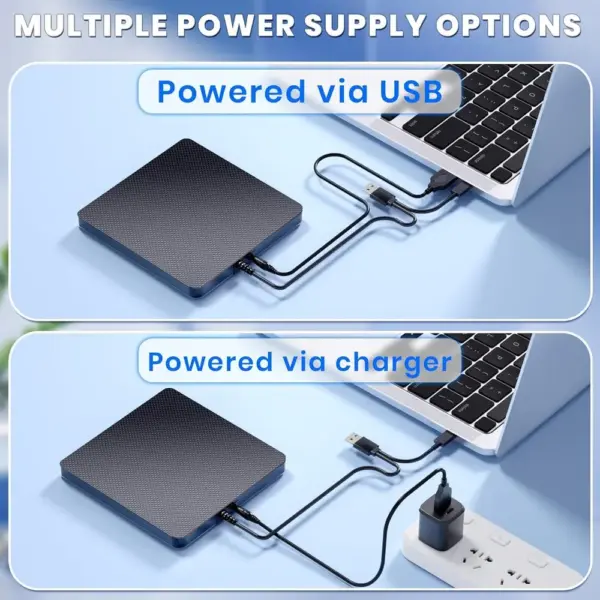
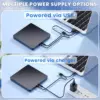
One combined lead carries both USB 3.0 and USB-C plugs, so it suits older desktops and recent laptops alike.
Plug and play: connect it to the computer and it is ready to use with your usual disc software.
Low noise and low power consumption make it comfortable to use for a whole film.
Slim and light, it travels easily in a laptop bag, and comes with a one-year warranty.
Ready to read your discs again?
Check today’s price and delivery time for the aelrsoch USB-C Blu-ray Reader.
Films, archives, software
Who is it for?
A good choice if…
For those who mainly want to watch Blu-ray films and read discs on a laptop or PC, while keeping the option of burning DVDs and CDs.
Check before you buy
Blu-ray playback needs dedicated software, which is not supplied, and Blu-ray discs are read only. The drive is designed for computers and does not work with TVs, tablets, games consoles, Chromebooks, projectors or in-car systems.
Technical specifications
| Type | External Blu-ray reader |
|---|---|
| Blu-ray | Reading (BD up to 100 GB) |
| DVD and CD | Reading and writing |
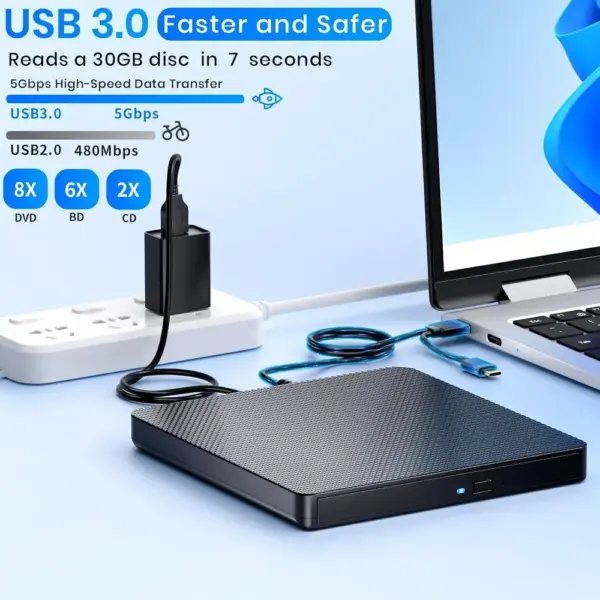
| Read speed | BD 6×, DVD 8×, CD 24× |
| Interface | USB 3.0, USB-C |
| Systems announced | Windows 7 to 11, macOS, Linux |
| In the box | Drive, USB lead, quick start guide |
| Colour | Black |
| Warranty | One year |
Frequently asked questions
Can this drive burn Blu-ray discs?
No, it reads Blu-ray discs only. It does read and write DVDs and CDs; for Blu-ray burning, choose the aelrsoch USB-C Blu-ray Burner.
Do I need software to watch a Blu-ray?
Yes, Blu-ray playback requires dedicated software installed on your computer, as none is supplied with the drive.
Does it work with a USB-C laptop?
Yes, its combined lead has both a USB-C and a USB 3.0 plug, so you can connect it to either type of port.
The aelrsoch USB-C Blu-ray Reader price changes often
Deals, stock and delivery times change daily: check today’s offer in one click before it moves.