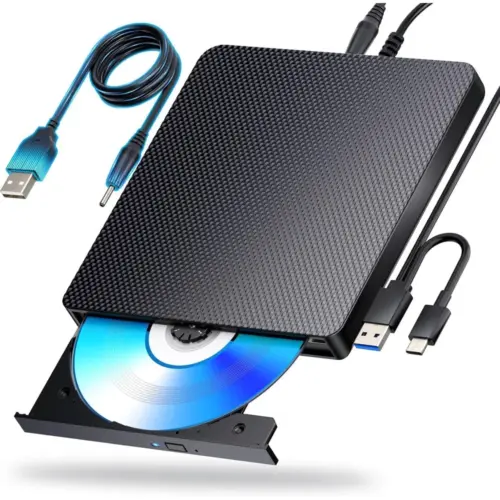
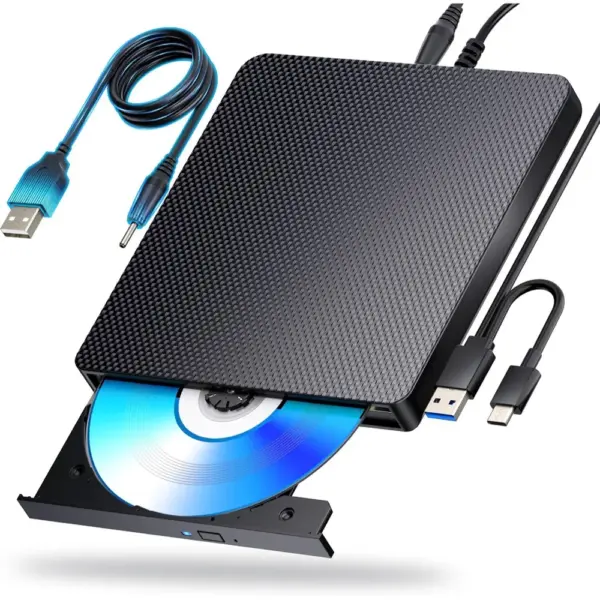

aelrsoch USB-C Blu-ray Burner – external Blu-ray drive that reads and writes BD, DVD and CD
An external Blu-ray burner for laptops and PCs that reads and writes Blu-ray, DVD and CD discs through a USB 3.0 or USB-C connection. An additional USB power lead keeps the supply steady while you watch films or burn your archives.
What the USB-C Blu-ray Burner brings to your computer
It handles Blu-ray discs up to 100 GB (BD-XL) as well as 700 MB CDs, 4.7 GB DVDs and 8.5 GB dual-layer DVDs.
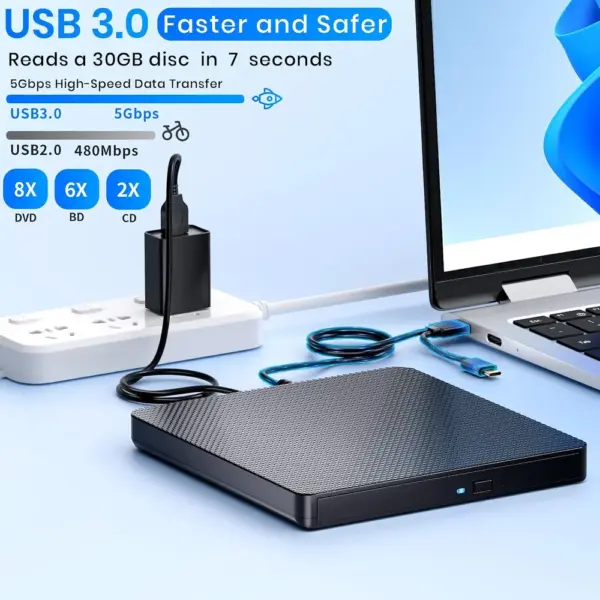
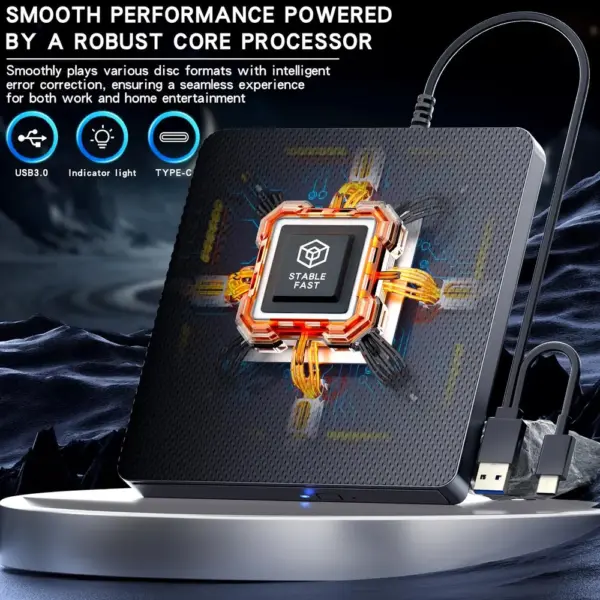
Its USB 3.0 interface offers up to 5 Gbps of bandwidth, so large discs are read without a USB 2.0 bottleneck.
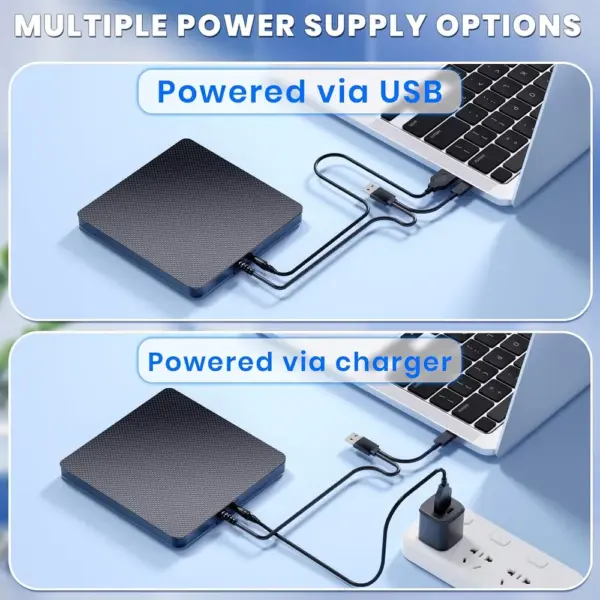
One combined lead carries both USB 3.0 and USB-C plugs, so it suits older desktops and recent laptops alike.
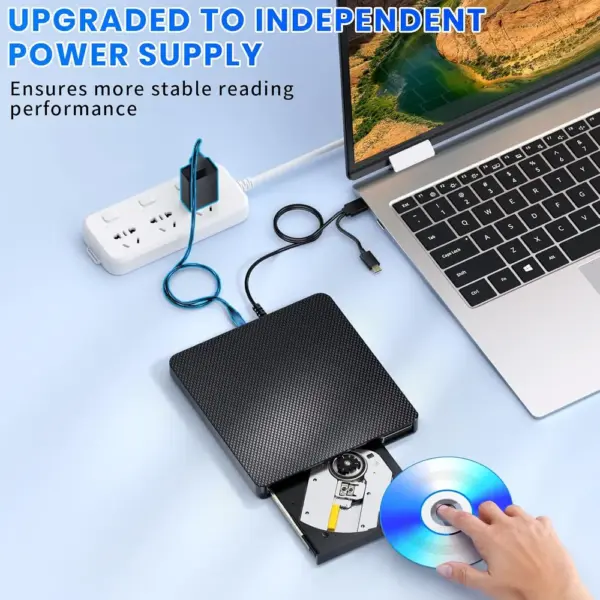
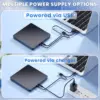
The additional USB power lead helps prevent playback interruptions and failed burns caused by a weak supply.
Plug and play: connect it to the computer and it is ready to use with your usual disc software.
Slim and light, it slips into a laptop bag for business trips or holidays, and comes with a one-year warranty.
Ready to read your discs again?
Check today’s price and delivery time for the aelrsoch USB-C Blu-ray Burner.
Films, archives, software
Who is it for?
A good choice if…
For anyone with a laptop or desktop and no optical drive who wants to both play and burn Blu-ray, DVD and CD discs. A good choice if you back up large amounts of data or create your own discs.
Check before you buy
Blu-ray playback and burning need dedicated software, which is not supplied. The drive is designed for computers and does not work with TVs, tablets, games consoles, Chromebooks, projectors or in-car systems.
Technical specifications
| Type | External Blu-ray burner (read and write) |
|---|---|
| Discs supported | BD, BD-XL (100 GB), DVD, dual-layer DVD, CD |
| Read speed | BD 6×, DVD 8×, CD 24× |
| Write speed | BD-R 6×, BD-XL 2×, BD-R DL 2×, BD-RE 2× |
| Interface | USB 3.0, USB-C |
| Bandwidth | Up to 5 Gbps |
| Systems announced | Windows 7 to 11, macOS, Linux |
| Power | USB, with an extra USB power lead |
| In the box | Drive, USB lead, quick start guide |
| Warranty | One year |
Frequently asked questions
Can I watch Blu-ray films straight away?
You need Blu-ray playback software installed on your computer, as none is supplied with the drive. Once it is installed, simply insert the disc.
Will it work with my Mac?
Yes, macOS is among the announced systems, alongside Windows 7 to 11 and Linux. Connect it by USB-C or USB 3.0 and use suitable playback or burning software.
Why is there an extra USB lead?
It provides additional power so that reading and burning stay stable, which reduces playback interruptions and failed burns.
The aelrsoch USB-C Blu-ray Burner price changes often
Deals, stock and delivery times change daily: check today’s offer in one click before it moves.