


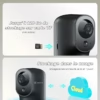
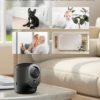


Points forts
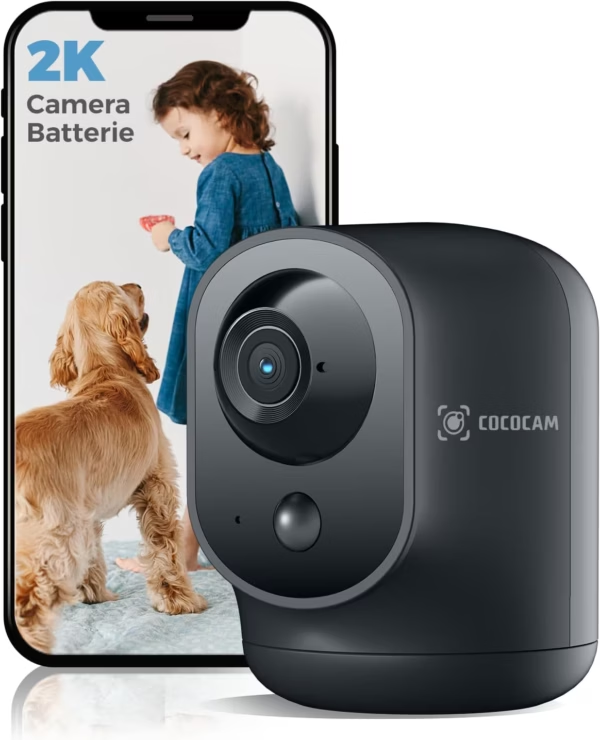
- Résolution 2K, vision nocturne infrarouge 20 m
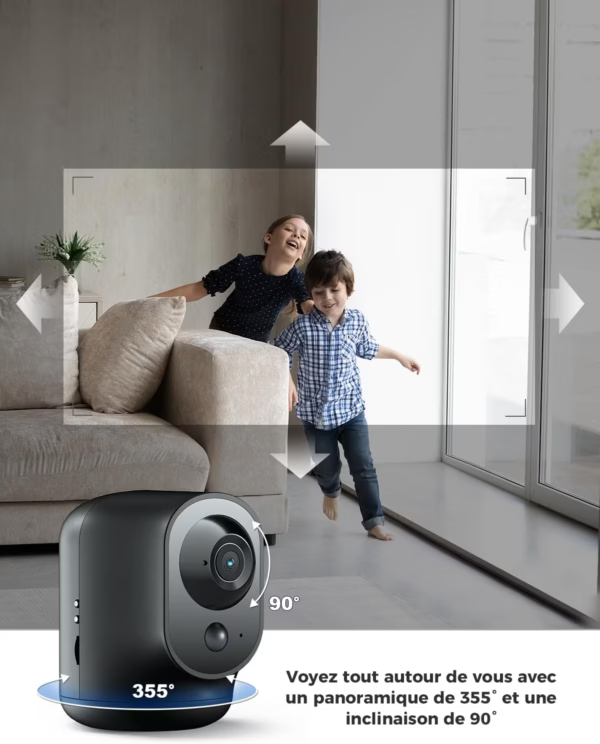
- Motorisation PTZ 355°/90°, sans angle mort
- Batterie 5200 mAh : plusieurs semaines d’autonomie
- À poser librement, sans contrainte de prise
- Compatible Alexa et Google Assistant
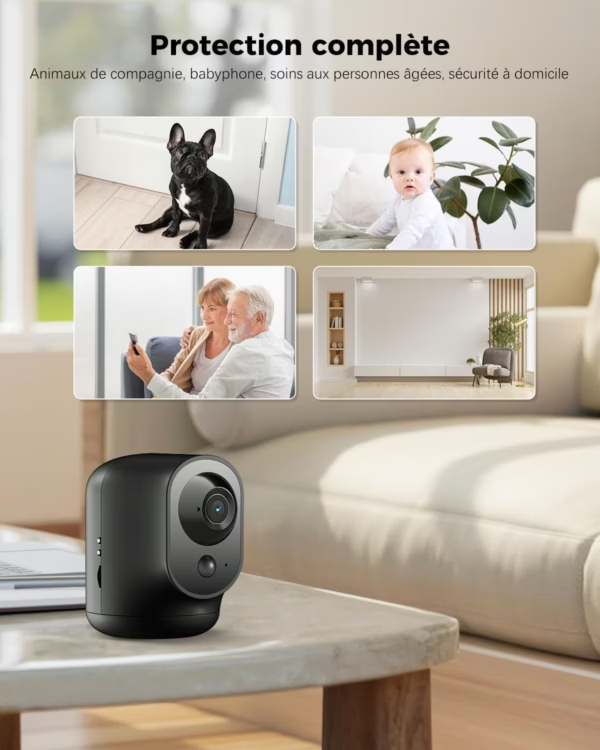
- Idéale bébé, animaux et sécurité du domicile
Toute la pièce, sans angle mort
Grâce à sa motorisation PTZ, cette caméra Cococam pivote sur 355° et s’incline sur 90° : depuis l’application, vous balayez l’intégralité de la pièce. Aucun recoin n’échappe à la surveillance, là où une caméra fixe se limite à un seul angle.
Posée où vous voulez
Alimentée par une batterie de 5200 mAh offrant plusieurs semaines d’autonomie, la caméra se libère de la prise de courant. On la pose sur une étagère, un meuble, n’importe où — et on la déplace selon les besoins.
Polyvalente
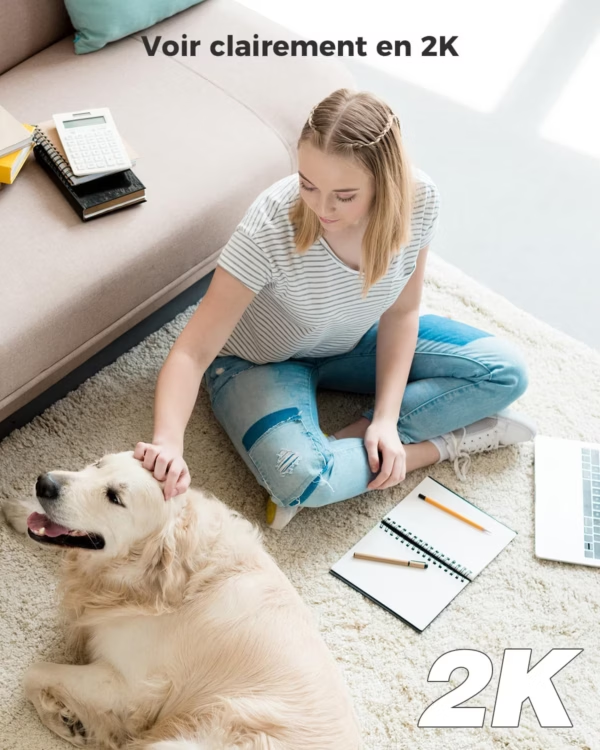
Surveillance d’un bébé, d’un animal resté seul, ou simple sécurité du domicile : cette caméra couvre tous les usages d’intérieur. La résolution 2K assure une image nette, et la vision nocturne infrarouge porte jusqu’à 20 mètres.
Pilotage vocal
La caméra est compatible Alexa et Google Assistant, en complément du pilotage par l’application mobile.
Caractéristiques techniques
| Résolution | 2K (3 MP) |
|---|---|
| Motorisation | PTZ 355°/90° |
| Alimentation | Batterie 5200 mAh |
| Vision nocturne | Infrarouge jusqu’à 20 m |
| Assistants vocaux | Alexa, Google Assistant |
| Usage | Intérieur (bébé, animaux, sécurité) |
Questions fréquentes
Combien de temps tient la batterie ?
La batterie de 5200 mAh offre plusieurs semaines d’autonomie selon l’usage, avant une recharge.
La caméra couvre-t-elle toute la pièce ?
Oui, la motorisation PTZ permet de pivoter sur 355° et de s’incliner sur 90°, sans angle mort.
Peut-elle servir de babyphone ?
Elle convient à la surveillance d’un bébé ou d’un animal. Pour un usage babyphone avec écran dédié, voyez le modèle Babyphone Cococam.
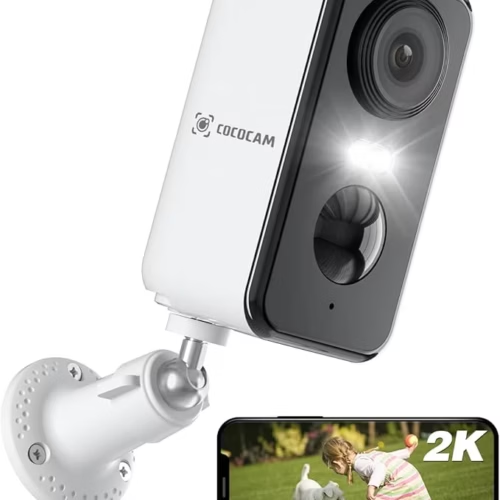
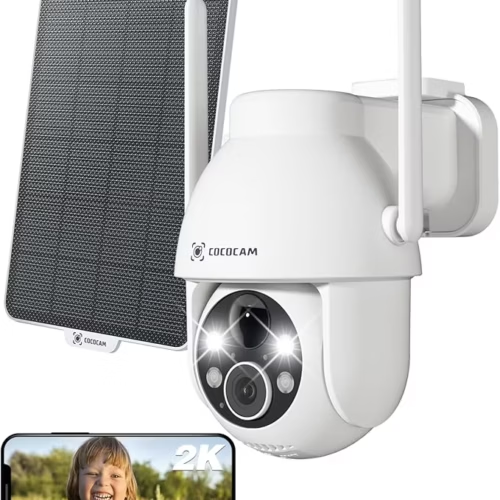
So, a few things which I noticed which are worth bearing in mind are as follows:
1. You need a SIM card to utilise the full functionality of the camera - to record or save footage.
2. You cannot access the camera from outside the home (i.e. at work) unless you are connected to the internet via Cloud or Google services which you need to set up on your camera device as well as on your phone.
3. This is an indoor camera only and cannot be placed outside as it is not designed for this.
4. Only one mobile phone can be connected to the software for monitoring the camera which I feel is a great disadvantage if several members of the same household want to access the footage.
5. You cannot point the camera outside a window to see who is coming in through the door *
* Further to the last point. We did not want the camera to record our movement inside the house, so we thought it would be a good idea to position it to point out the window towards the back door. Our kitchen window has very clear glass and a great view of the back door and we thought this would be useful. During the day I was able to observe my daughter moving around outside in real time by viewing the real time monitoring while I was home (using wi-fi connection), and was able to capture a snapshot through the window. However, when I checked the software for movement, I noticed that the camera had not picked up any movement all day, and did not send a text notification. It simply did not notice or pick up anything. My husband mentioned that the infrared signal from the camera was most likely bouncing back from the glass window as though it were a solid object. He said that an infrared signature is essentially a heat profile. The PIR sensor cannot "see" through glass because this signature cannot travel through it.
So, for me this camera is useful up to a point but an outside security camera would be better for our needs. However, the camera is good quality and fairly easy to get working and would be beneficial as a baby or children home monitor.
The instructions say you can download the app either through the app store or through the QR code in the instruction booklet.
I used the Apple app store to find the app - the first option is 'Hidden Camera Tracker' which sounds like it's the one you need, but it isn't, the SECOND option 'Cococam' is the correct one, but it takes quite a few minutes to download, using the QR code in the instruction booklet takes seconds, but both take you to the same place.
OK, so apart from the app issue, what do I think?
The camera is small and neat, it's very unobtrusive and feels sturdy, build quality is good - it doesn't topple over and would sit comfortable on any flat surface and it's supplied with a charging cable. Since it doesn't have an IP rating it's clearly only for indoor use, so if it's to be used in a bathroom, kitchen or laundry room that may be problematic which is something worth considering. It's good to go out of the box - it needs charging fully first but once the app is downloaded it's ready to use in its basic mode. To unlock the full functionality of the camera you need to have a paid plan - this seems to be the way with a lot of these cameras which I don't like.
The instructions are ok, and pretty much as I expect for a device of this type. I didn't find it as intuitive as others I've tried, but that may just be me! I was able to move the camera around easily enough using the app, it was pretty responsive and there was very little time lag, but then I was very close to the camera. I do like that it's almost 360° rotation and 90° tilt is pretty decent. Images are crisp and clear and sound quality is good.
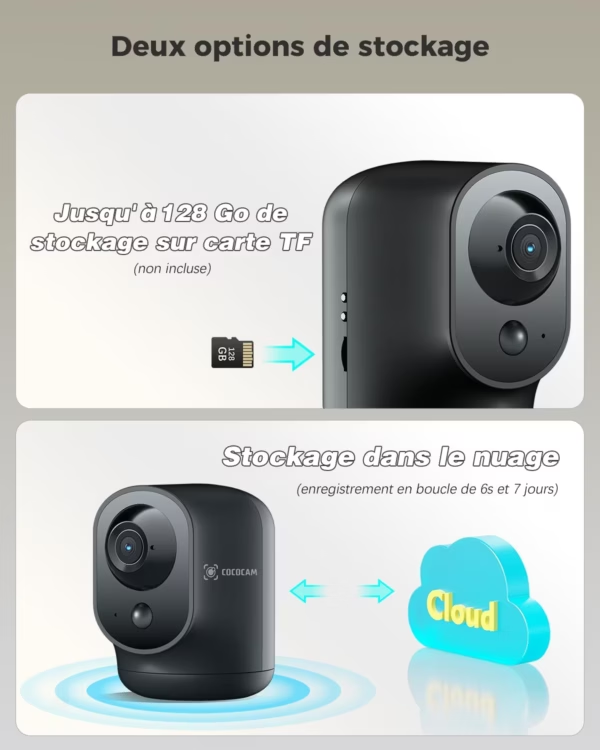
There is the facility to store up 10 128GB of video but disappointingly it doesn't come with an SD card, but they're easy and cheap enough to source.
This is a decent camera of its type, but I don't think it's anything special.
At £49.99 (as at 12 November 2024) this is about the price I'd expect to pay for a camera of this type.
De plus, j'ai un problème : la vision de la caméra est rose maintenant. Ça l'a fait deux jours après la première utilisation. C'est embêtant.
Je suis équipée avec l'application CloudEdge, mais c'est impossible à ajouter cette caméra, j'ai tout essayé, mais rien à faire, le voyant commence à clignoter en bleu puis alterner en rouge et bleu, puis le jumelage s'arrête..
Aucun problème avec Cococam, qui ressemble beaucoup à l'application CloudEdge pourtant.
Avec Cococam, cette caméra fonctionne bien.
La caméra est livrée avec un câble USB (elle fonctionne sans fil, c'est pour recharger), et une notice seulement, et je suis très étonnée de voir aucun support dedans (en dessous de la caméra, il y a des possibilités d'avoir des fixations, à visser ou à clipser…). Mais cette caméra fonctionne bien posée sur la table ou le meuble. Orientable (sur le plateau) et inclinable (l'optique qui bascule et non la caméra), commandable via l'appli.